
To enhance our scanner productivity workflow, we should start by evaluating current processes for inefficiencies. Selecting ideal scanning equipment, like high-volume scanners with duplex capabilities, can boost our output considerably. Streamlining workflow processes, such as standardizing scanning procedures, helps minimize errors. Implementing automation, enhanced OCR technology, and cloud integration can improve data handling and accessibility. By continuously monitoring metrics, we can identify bottlenecks and refine our operations. There’s much more to explore to elevate our efficiency further.
Key Takeaways
- Assess current scanning workflows by measuring task durations and resource usage to identify inefficiencies and establish baseline performance metrics.
- Select advanced scanning equipment, focusing on features like duplex scanning and automatic document feeders to enhance bulk scanning efficiency.
- Design streamlined workflows by prioritizing critical documents and creating visual maps to identify bottlenecks, ensuring standardization across the organization.
- Implement automation with OCR technology to reduce manual entry errors, trigger follow-up tasks, and integrate cloud solutions for streamlined document management.
- Continuously monitor productivity metrics and gather employee feedback to refine workflows, emphasizing efficiency while respecting employee privacy.
Assessing Current Scanner Productivity Workflows
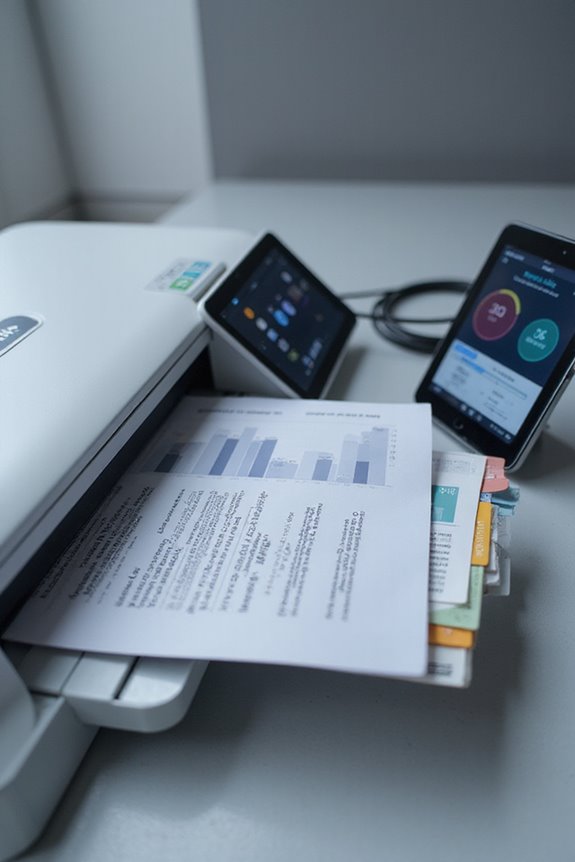
When we assess current scanner productivity workflows, it’s essential to start by gathering both quantitative and qualitative data. We’ll collect task durations, resource use, and wait times from system logs while engaging with employees for their insights. Next, we can engage in process mapping to visualize our existing workflows using flowcharts or swimlane diagrams. This helps highlight roles, handoffs, and possible bottlenecks. We’ll establish baseline performance metrics, measuring cycle times, error rates, and throughput to identify inconsistencies across teams. Analyzing these metrics allows us to detect inefficiencies and streamline operations. By understanding our current state through these methods, we can set the stage for enhanced productivity and explore effective solutions moving forward. Additionally, evaluating scanning speeds can reveal opportunities for optimizing document management tasks.
Selecting Optimal Scanning Equipment and Software
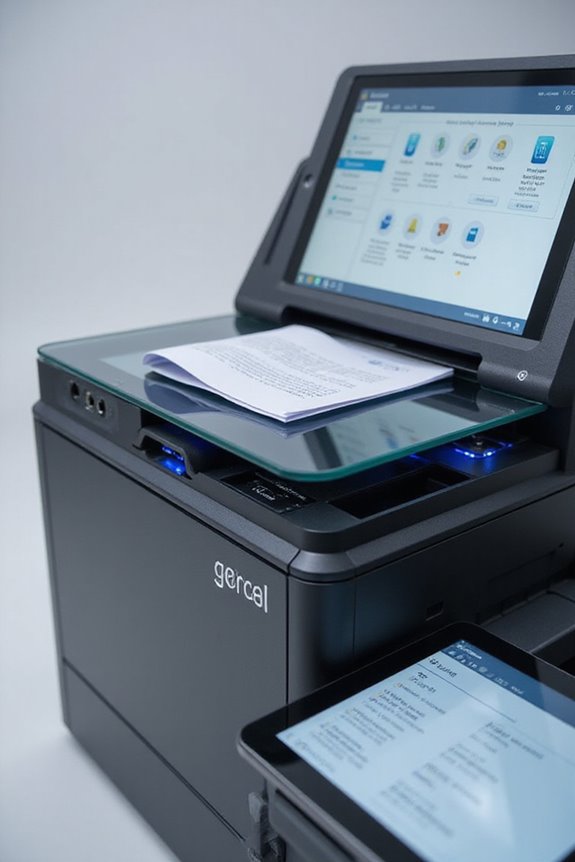
How can we guarantee that our scanning equipment and software choice maximizes productivity? First, we need to take into account scanner features that align with our specific needs. For instance, models equipped with duplex scanning capabilities can enhance throughput by scanning both sides of a document simultaneously. Portability, along with automatic document feeders (ADFs) that hold 50-60 sheets, is ideal for bulk scanning. We should also evaluate performance metrics such as pages per minute; high-volume scanners can process up to 60 ppm. Budget considerations are essential; while entry-level scanners may cost under $300, investing in mid-range options around $1,200 can yield better capabilities, ensuring efficiency and productivity for our workflows. Additionally, considering scanners with advanced ABBYY OCR technology can significantly improve document editing and conversion processes.
Designing Streamlined Workflow Processes
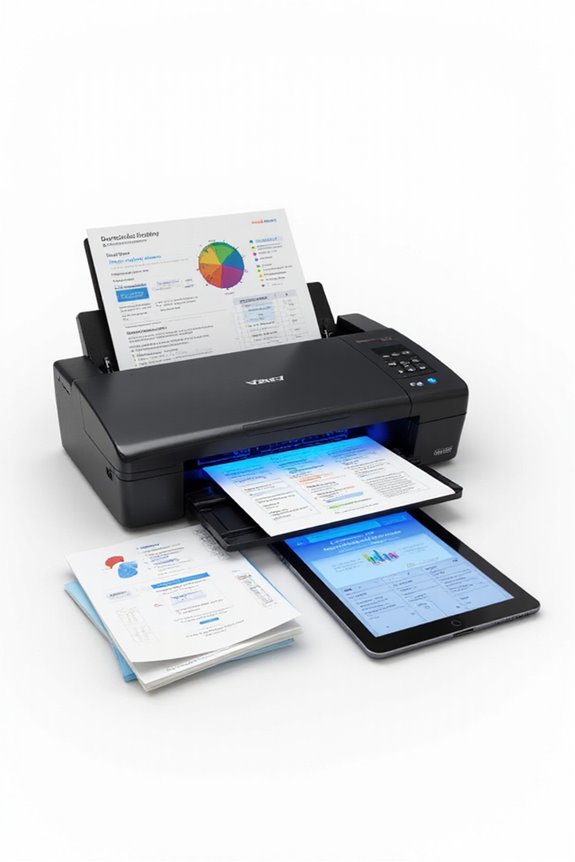
Designing streamlined workflow processes is vital for maximizing our scanning productivity, as a well-structured approach can greatly reduce delays and enhance efficiency. First, we should define our workflow objectives clearly, outlining the purpose behind our scanning efforts. Identifying critical document types helps us prioritize our tasks and understand resource allocation. Next, we’ll create a visual map of our workflow to pinpoint any bottlenecks that may arise. By standardizing the scanning process across the organization, we minimize errors and promote consistency. Additionally, we must guarantee all stakeholders have access to necessary documents for effective collaboration and review. With these steps, we set a solid foundation for an optimized scanning workflow, ultimately boosting our productivity. Incorporating scanning speed and efficiency will further ensure that our processes remain swift and effective, enhancing overall operational performance.
Implementing Automation for Efficiency
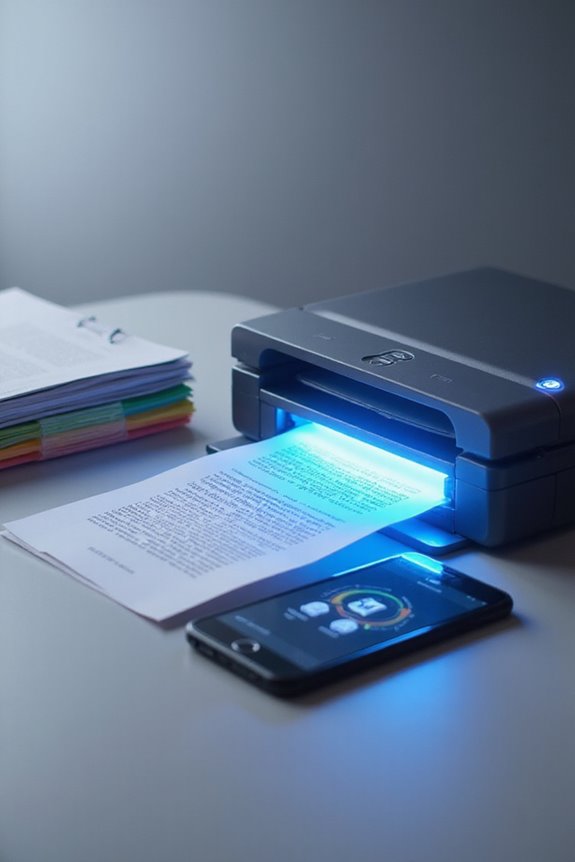
By incorporating automation into our scanning processes, we can greatly enhance efficiency and productivity. Utilizing advanced scanning technology allows us to achieve fast and accurate document processing, minimizing manual data entry and drastically reducing errors. With automated data handling, our workflow integration becomes smoother, as scanned documents can automatically trigger follow-up tasks. This not only accelerates processing times but also guarantees greater accuracy—up to 88%. Furthermore, automation supports scalability, enabling us to handle increased workloads without additional staffing costs. By reducing manual errors, we save considerably on correction expenses, bolstering our overall financial performance. Essentially, integrating automation transforms our document management into a cost-effective and reliable operation, elevating our service quality and satisfaction levels. Additionally, the use of OCR technology allows for improved document searchability and management, further streamlining our workflow.
Training and Personnel Development
To enhance our scanner productivity, effective training and personnel development are essential. We need to identify the specific challenges our team faces to tailor training effectively. Through training evaluations, we can analyze employees’ competencies related to scanner operations and pinpoint knowledge gaps. Developing training modules that focus on scanner fundamentals and advanced functionalities will facilitate skill enhancement. We’re also adopting blended learning methods, combining in-person sessions with e-learning, which keeps disruption to a minimum while maximizing participation. By using assessments and feedback, we can evaluate training effectiveness, focusing on key performance indicators like error reduction and scanning speed improvements. Regular refresher courses will guarantee our team’s skills remain sharp as technology evolves, fostering a culture of continuous improvement. Additionally, staying updated on scanner technology trends will ensure our training remains relevant and impactful.
Monitoring, Analysis, and Continuous Improvement
While effective monitoring is key to enhancing productivity, it’s crucial that we balance it with respect for employee privacy. Many companies use techniques like digital timesheets and email monitoring, reflecting that 96% of employers implement some form of employee surveillance. By analyzing productivity metrics—such as output per hour and collaboration interactions—we can uncover areas for improvement. What’s exciting is that advanced data analysis tools can drive continuous feedback loops, allowing us to refine workflows effectively. As we integrate AI technologies, we can enhance our monitoring capabilities without compromising morale. Emphasizing efficiency over excessive surveillance guarantees our teams feel valued while still pushing productivity forward, preparing us for a successful future in workplace optimization. Additionally, integrating cloud storage with scanners can streamline document management processes, further boosting overall productivity.
Identifying Bottlenecks and Inefficiencies
Effective monitoring sets the stage for identifying bottlenecks and inefficiencies within our workflows. To tackle workflow inefficiency, we can start by conducting a bottleneck analysis. This helps us pinpoint where delays in information flow occur, like slow document processing or data entry errors. For instance, inefficient scanning practices can lead us to miss deadlines and inflate operational costs. When almost half of our team struggles to locate documents, it is apparent that our workflow isn’t streamlined enough. Establishing clear workflow mapping allows us to visualize processes, promoting accountability and communication. By actively monitoring these areas, we can reduce redundancies, enhance data accuracy, and ultimately improve project timelines, leading to higher productivity and client satisfaction.
Enhancing Document Handling Volume and Frequency
Maximizing our document handling volume and frequency is essential for any organization looking to improve efficiency. By utilizing dedicated high-speed scanners, we can greatly reduce processing time, minimizing wear on our equipment. Implementing batch processing allows us to handle multiple documents at once, which boosts our throughput remarkably.
With multi-feed scanners and automatic document feeders, we’re able to streamline continuous scanning of stacks, handling various document loads effectively. Advanced OCR and AI-powered classification facilitate quick document categorization, making indexing and retrieval faster. When we combine these features within a networked scanning solution, we support distributed intake and centralized processing across locations. This scalability guarantees that we can adapt to fluctuating business needs, optimizing our document workflow thoroughly.
Leveraging Robust Scanning Software Features
When we harness robust scanning software features, we unfasten new levels of efficiency in our document management processes. Advanced optical character recognition (OCR) technology allows us to convert scanned images into editable text, streamlining data handling. With zonal OCR, we can target specific areas for quick data extraction, boosting our processing speed and accuracy. Cloud integration lets us upload documents instantly to services like Google Drive, ensuring immediate accessibility. We can batch scan multiple documents at once, automating routine tasks and reducing errors. Plus, image optimization features enhance visual clarity, making sure our files are both high-quality and manageable in size. Leveraging these features truly transforms our workflows into seamless operations.
Frequently Asked Questions
What Types of Documents Benefit Most From Scanner Productivity Enhancements?
We’ve found that invoice processing and contract management see significant improvements with scanner productivity enhancements. Digitizing these documents streamlines our workflows, saves time, and makes collaboration easier, ultimately leading to better outcomes for our team.
How Can We Ensure Data Security During Scanning Processes?
As guardians of our digital domain, we must weave a tapestry of security through data encryption and secure access. By employing these measures, we can protect our sensitive information during scanning processes, ensuring its safe journey.
What Are the Costs Associated With Upgrading Scanning Equipment?
When evaluating upgrading costs, we should conduct a thorough cost analysis. The benefits of upgrading include improved efficiency and reliability, making it easier to justify the investment in better scanning equipment for our operations.
How Does Scanning Improve Overall Organizational Efficiency?
Scanning enhances our organizational efficiency through improved document organization and significant time savings. We can easily categorize and retrieve digital records, allowing us to focus on essential tasks and make informed decisions swiftly.
Can Scanning Software Integrate With Other Business Applications?
Imagine a seamless flow of information, where scanner integration effortlessly connects with our favorite business applications. We’re simplifying workflows and boosting productivity, ensuring data travels smoothly between systems, enhancing our efficiency each step of the way.