
To use a scanner workflow automation system, we first evaluate our current workflows and pinpoint bottlenecks. We then map out scanning stages and set up automation rules for document categorization. After implementing the right software, we can streamline the process, ensuring efficient data extraction and organization-wide deployment. Regularly monitoring performance metrics like processing time helps refine our approach. Stick with us, and we’ll explore more on optimizing these systems for our specific needs.
Key Takeaways
- Evaluate your current document workflows to identify inefficiencies and types of documents for automation.
- Set up an OCR engine and intelligent data extraction tools for accurate digital transformation of documents.
- Define automation rules for categorizing and naming files to streamline the document processing workflow.
- Deploy your scanner workflow system organization-wide and monitor key performance metrics for continuous optimization.
- Regularly review and update the system to enhance user experience and adapt to changing needs.
Understanding Document Workflow Automation
As we explore understanding document workflow automation, it is essential to recognize that this technology transforms how we manage documents, making our processes more efficient. By automating the document lifecycle, we reduce manual tasks and errors, ensuring accuracy in our operations. Specialized software plays a key role, enabling automated creation, management, and processing of documents. This integration enhances workflow efficiency, improving collaboration among teams and ensuring compliance with regulatory standards. With automation, we achieve consistent document formatting and enjoy real-time tracking of document status. As a result, we not only lower labor costs but also greatly boost overall productivity. Moreover, utilizing document management scanners positions us for greater success and streamlined operations.
Key Components of a Scanner Workflow System
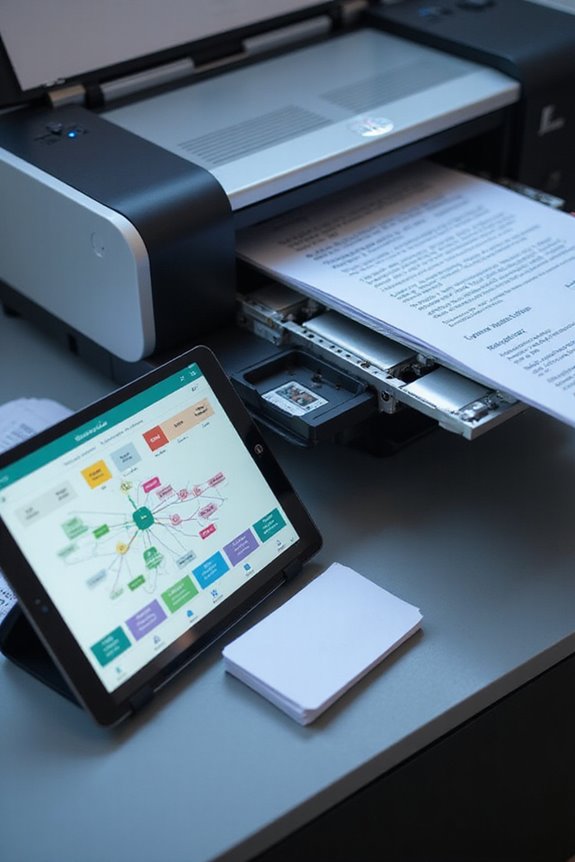
Understanding how components of a scanner workflow system work together helps streamline our document management processes. First, we utilize various scanner types, including high-speed scanners and mobile scanning apps, to convert physical documents into digital formats like PDFs. The Optical Character Recognition (OCR) engine plays an essential role by transforming scanned images into searchable text, guaranteeing high accuracy to minimize errors. Next, intelligent data extraction tools harness AI to identify and extract key information from diverse document formats like invoices and contracts without manual effort. Workflow configuration sets naming conventions and routing rules, automating tedious tasks. Finally, integration for real-time monitoring of metrics guarantees we optimize efficiency, granting us a seamless document processing experience. Additionally, adopting high optical resolutions ensures that the clarity of scanned images enhances the effectiveness of the OCR process.
Steps to Automate Your Document Scanning
Automating your document scanning can greatly boost efficiency and accuracy across workflows. We start by evaluating our current workflow and identifying document types, bottlenecks, and manual tasks needing automation. Next, we map out the scanning stages from OCR through to archiving. It’s essential to establish automation rules for document categorization, including filing templates and naming conventions.
After configuring our systems, we implement the right software to guarantee scanning efficiency and reliable data extraction. Testing follows, allowing us to tweak workflows and verify accuracy. Finally, we’ll deploy the automated system organization-wide, track key metrics, and continuously improve the process. By doing this, we assure a seamless flow of information while enhancing overall productivity. Additionally, selecting a scanner with duplex scanning features can further streamline your document processing.
Selecting the Right Tools and Software
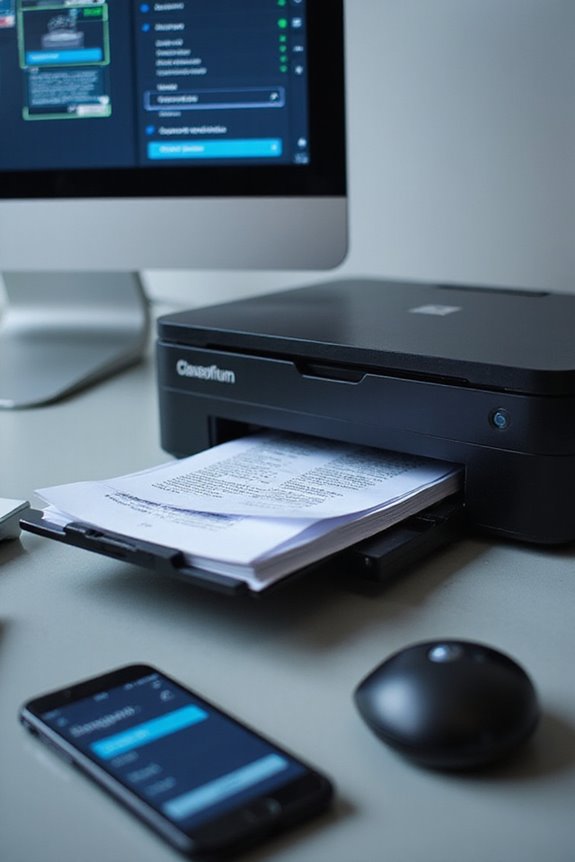
Finding the right tools and software for your workflow automation is essential for enhancing productivity. When we conduct our software evaluation, we should look for key functionalities like efficient task automation and customizable workflows. It’s important to compare features like integration capabilities and user interface intuitiveness to guarantee a seamless shift. Furthermore, security is non-negotiable, so we must verify compliance with regulatory standards. In addition, keep scalability in mind; our chosen software should adapt as our needs grow. Real-time notifications enhance collaborative efforts, while reporting and analytics help us track performance. By focusing on these elements during our feature comparison, we can select tools that truly elevate our workflow efficiency and support our specific business needs. Additionally, considering cloud storage options can further enhance your document management capabilities.
Implementing Your Scanner Workflow Automation
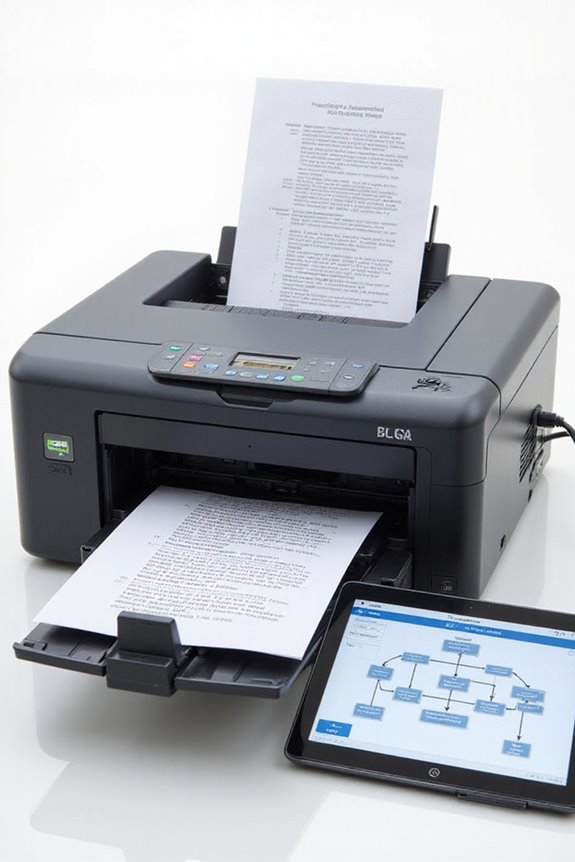
As we commence on implementing our scanner workflow automation, it’s vital to take a methodical approach. First, we’ll audit our current scanning workflow to identify document types and volumes, mapping each step from receipt to archiving. We’ll design our workflow by defining stages like OCR and data extraction, while establishing automation rules for efficient routing and document compliance, ensuring document retention is met.
Next, we’ll integrate our chosen tools, connecting them to existing systems for seamless data flow. User training will be important; we’ll provide thorough sessions on the new interface and procedures. Finally, we’ll conduct test batches to validate functionality. With these steps, we’ll enhance our document processing efficiency and accuracy considerably. Additionally, choosing scanners with high-resolution capabilities ensures clarity and accuracy in scanned images, which is essential for preserving digital collections.
Monitoring and Optimizing the Workflow
To effectively monitor and optimize our scanner workflow, we need to implement a structured approach that focuses on key performance metrics. First, we’ll track processing time, accuracy of OCR, and throughput of scanned documents. These metrics help us identify areas for improvement. By automating repetitive tasks and utilizing batch scanning, we can enhance efficiency and tackle common automation challenges. Additionally, we should analyze error rates to detect bottlenecks and adjust automation rules accordingly. It’s also vital to evaluate user satisfaction regularly to guarantee a seamless experience. Finally, we must stay proactive by implementing fault detection and regular software updates, resulting in an optimized workflow that supports our operational goals and compliance standards. Moreover, selecting scanners with batch scanning capabilities can significantly streamline our document processing efforts.
Industries That Benefit From Automation
In our discussions about optimizing workflows, it’s clear that automation plays a significant role across various industries. For example, manufacturing automation reduces manual data entry errors by up to 44%, improving accuracy. Similarly, healthcare automation addresses compliance risks and enhances team coordination, while finance automation streamlines transaction processing and reduces costs. Retail automation allows for efficient inventory and order management, boosting customer satisfaction during peak seasons. IT automation helps alleviate excessive workloads and enhance productivity by 25-30%. Each sector benefits from tailored automation solutions, as they enhance operational efficiency and reduce errors. Overall, these innovations drive substantial growth across manufacturing, healthcare, finance, retail, and IT industries, reflecting the necessity for automation in today’s fast-paced environment.
Frequently Asked Questions
How Can I Ensure Data Security During Document Scanning?
To guarantee data security during document scanning, we should implement robust data encryption methods and strict access controls. This approach helps protect sensitive information from unauthorized access and guarantees compliance with security best practices.
What Are Common Challenges During Workflow Automation Implementation?
When commencing on workflow automation, we often encounter integration issues and the need for extensive employee training. Addressing these challenges proactively can greatly enhance our chances of successful implementation and smoother overall processes.
How Long Does It Take to See Results From Automation?
We can expect initial outcomes from automation timelines to vary. Simple tasks might show results quickly, while complex processes will take longer. As we refine settings, incremental improvements become apparent, enhancing our overall efficiency.
Can I Start With a Partial Automation Solution?
Yes, we can absolutely start with partial automation solutions. The initial setup allows us to focus on high-impact areas, enabling flexibility while maintaining manual processes where necessary, ultimately minimizing risks and facilitating smoother shifts.
What Are the Costs Associated With Scanner Workflow Automation?
We recognize the fear of costs, but with thorough budget planning and effective cost analysis, we can navigate expenses like hardware, software, and maintenance, ensuring our investment in scanner workflow automation pays off in efficiency and productivity.