

To effectively use scanner audit trail logging, we need to log user activities, including access methods and timestamps. By selecting tools like Netwrix Auditor, we can automate log generation and guarantee compliance with regulations like HIPAA. Secure storage of logs is essential; encryption and centralized collection prevent tampering. Real-time alerts help us address issues promptly. With regular reviews, we maintain oversight and improve security. If we explore further, we’ll uncover more best practices and insights.
Key Takeaways
- Implement audit trail logging to record user IDs, access methods, and timestamps for every scanning event to ensure accountability.
- Choose compatible tools like Netwrix Auditor for automated audit trail generation and integration with existing IT systems.
- Securely store audit logs through encryption, centralized collection, and multiple storage locations to protect against unauthorized access.
- Configure real-time alerts for unauthorized access attempts and critical activities to enable immediate response.
- Regularly review logs, adjusting frequency based on organizational needs, and encourage cross-team collaboration for comprehensive analysis.
Understanding the Importance of Audit Trail Logging in Scanners
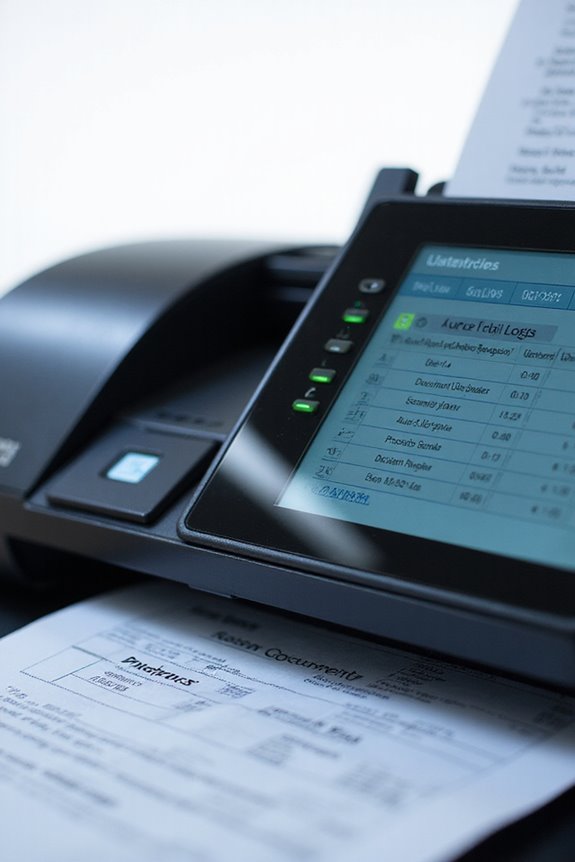
Understanding the importance of audit trail logging in scanners is essential for maintaining security and operational integrity. Through effective audit trails, we can detect unauthorized access attempts, including both successful and failed login attempts. This helps us identify potential security breaches before they escalate. Furthermore, audit trail logging supports compliance benefits by documenting user activities and guaranteeing alignment with regulations like HIPAA and GDPR. By maintaining transparent records, we mitigate legal risks and guarantee accountability for scanned documents. It also allows for quick responses to incidents, enhancing our threat detection capabilities. Ultimately, implementing audit trail logging not only safeguards sensitive information but also streamlines our operations, providing valuable insights into user activities and system performance. Additionally, the use of encryption features for data security is crucial in ensuring that audit trails themselves are protected from unauthorized alterations.
Identifying Key Activities to Log During Document Scanning
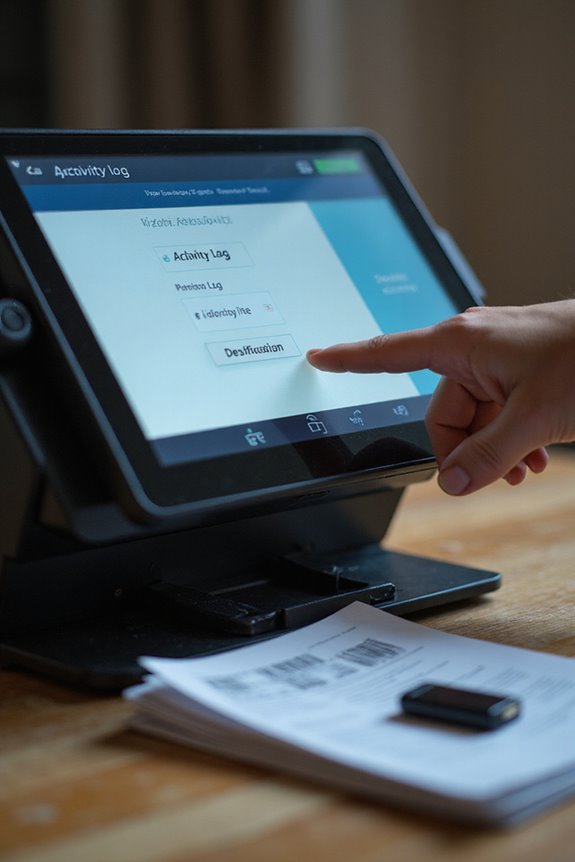
Implementing a robust audit trail isn’t just about security; it’s also about knowing what’s happening during document scanning. We should prioritize user identification by logging user IDs and access methods during each scan. Tracking this access helps establish accountability and quickly identify unauthorized attempts. It’s essential to capture timestamps for all scanning events, including successful user re-authentications and document submissions. This information allows us to monitor efficiency effectively. Additionally, we must log the specific document handling processes—like modifications and versioning—ensuring a thorough record. By focusing on these key activities, we not only enhance security but also streamline operations, providing a clear, chronological trail that can improve our overall scanning performance. Moreover, integrating cloud storage solutions can further enhance accessibility and document management efficiency.
Selecting the Right Tools for Scanner Audit Trail Management
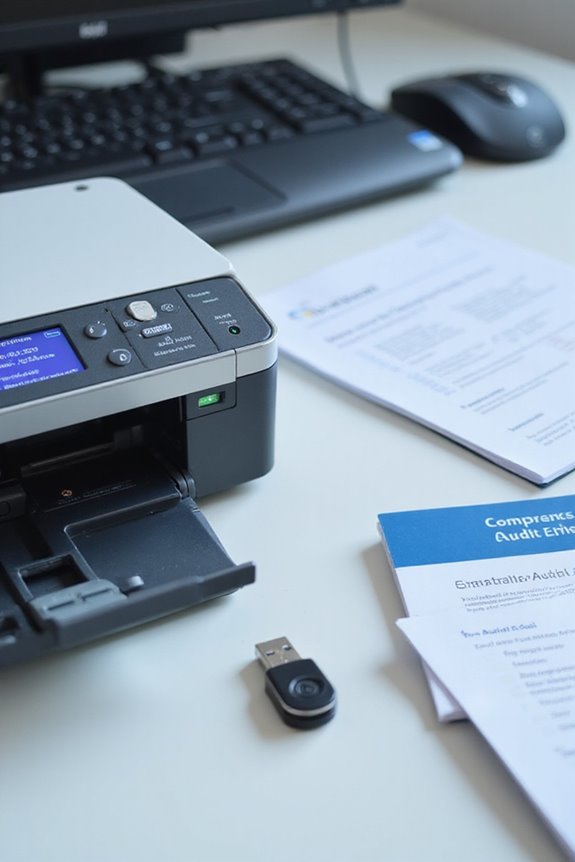
When selecting tools for scanner audit trail management, we’ve got several key factors to take into account. First, we should verify tool compatibility with our existing document scanning hardware and software. A seamless integration enhances our workflow without disruptions. Next, we need to prioritize features like automated audit trail generation and real-time monitoring of scanning activities. These features provide detailed logs that are essential for compliance requirements. Additionally, we must consider software integration capabilities with other IT systems, like security monitoring platforms, for streamlined operations. Tools like Netwrix Auditor and MasterControl stand out for their centralized management and compliance features. Ultimately, the right tool strengthens our audit trail management and simplifies our auditing process. Furthermore, choosing scanners with high-quality image capturing can improve the accuracy of the documents being logged.
Ensuring Secure Storage of Audit Logs

To guarantee secure storage of audit logs, we need to create a robust system that safeguards our sensitive information. First, implementing log encryption is essential; it protects our logs from unauthorized access and tampering. We should also set up a centralized log collection to streamline management and prevent data loss. Establishing multiple storage locations minimizes single points of failure, ensuring logs are always accessible. Access controls will restrict who can view or manage these logs, reducing the risk of exposure. Regular backups will help maintain data integrity and availability, while establishing a clear retention policy guarantees compliance with regulations. By following these steps, we’re ensuring that our audit logs remain secure and reliable over time. Additionally, using strong encryption protocols can further enhance the security of our stored logs.
Setting Up Real-Time Alerts and Regular Log Reviews

After securing our audit logs, it’s time to enhance our monitoring capabilities by setting up real-time alerts and conducting regular log reviews. We can start by implementing alert configurations that trigger notifications for key activities, like unauthorized access attempts or compliance violations. Using automated notification methods, we can send immediate alerts via email or Slack. Adjusting our review frequency to daily or weekly, we guarantee consistent oversight of potential anomalies. By involving cross-team collaborations, we maximize insight from various perspectives. Additionally, using tools to summarize log analyses can save time while highlighting critical trends. Ultimately, these proactive measures help us swiftly address issues and maintain systems more effectively, leading to improved overall security. Incorporating high-resolution capabilities in document scanning can help ensure that all scanned materials maintain quality integrity.
Implementing Best Practices for Effective Audit Trail Logging
Implementing best practices for effective audit trail logging is fundamental to maintaining compliance and security. We should start by developing a clear log management policy that defines our objectives, such as security, compliance, and accountability. Establishing log retention periods aligned with legal requirements guarantees our logs are available when needed. Furthermore, setting access controls to restrict log access to authorized personnel only plays an essential role in preventing unauthorized tampering. It’s also critical to enable thorough logging across all systems, capturing every action and its details. By regularly reviewing and maintaining these logs, we can guarantee long-term integrity and availability, ultimately supporting traceability and accountability throughout our document handling processes. Additionally, ensuring strong security features in our scanning systems can enhance the protection of sensitive data captured in the audit trails.
Frequently Asked Questions
How Can I Customize Logging Settings for Specific Scanners?
Imagine we’re master artisans, chiseling our logging preferences to fit specific scanner settings. By selectively configuring audit trails, we tailor our security posture, ensuring our vigilance meets the unique demands of each scanner’s role.
What Formats Are Best for Archiving Audit Logs?
When considering log file formats for archiving, we should prioritize structured formats like JSON or CSV. Combining them with efficient log storage solutions guarantees easy access and long-term integrity, meeting our audit needs effectively.
How Often Should Audit Logs Be Archived or Purged?
When it comes to maintaining compliance, keeping audit logs in line with required frequency is essential. We should establish a schedule, archiving or purging logs regularly to meet compliance requirements and safeguard our data responsibly.
Can Audit Trail Logging Impact Scanner Performance?
Yes, audit trail logging can impact scanner performance. We must manage logging overhead carefully to maintain scanner efficiency by selecting essential actions to log and optimizing our data storage and processing methods.
What Are the Costs Associated With Implementing Audit Trail Solutions?
When considering implementation expenses for audit trail solutions, we must account for software licensing fees, remediation costs, and ongoing monitoring. These investments are essential for ensuring compliance and reducing potential risks associated with audits.