As an Amazon Associate, we earn from qualifying purchases. Some links on this site are affiliate links at no extra cost to you. Our recommendations are based on thorough research and editorial judgment.

How To Use Automatic Deskew Image Correction?

To use automatic deskew image correction, we simply activate the deskew option in our scanning software. This option realigns skewed images during the scanning process, improving document clarity and OCR accuracy. It’s particularly beneficial for batch scanning, saving us time and effort. We can verify the results directly in the software’s preview pane. By understanding the various skew detection methods available, we can optimize performance and achieve better results. More insights await on enhancing deskew effectiveness.
Key Takeaways
- Activate the Auto Skew or Deskew option in your scanning software’s Advanced mode before beginning the scan to ensure automatic realignment.
- For batch scanning, enabling deskew settings corrects document tilt without requiring manual adjustments on each page.
- Verify the deskew results in a PDF viewer or the preview pane of your scanning software after scanning.
- Use high optical resolution to improve the effectiveness of deskew algorithms and enhance OCR accuracy.
- If facing deskew issues, troubleshoot by testing different detection methods and assessing image quality for clarity.
Understanding Automatic Deskew Image Correction
You may be interested



In the domain of digital imaging, automatic deskew image correction stands out as an essential tool for ensuring visual clarity and accuracy. Deskew algorithms play a vital role by detecting the skew angle through image features like edges and text layout. By analyzing image borders, edge detection methods identify the orientation of skew, while content detection examines the arrangement of text or objects. If one approach fails, the algorithm can pivot to the other for increased reliability. It’s particularly effective for black and white images, which can be challenging yet rewarding when done right. By integrating deskewing in our software workflows, we enhance the accuracy of OCR and elevate the quality of our digitized documents considerably. High optical resolutions significantly improve the effectiveness of deskew algorithms, ensuring that the scanned images are processed with greater precision.
Importance of Deskew in Scanned Documents
Automatic deskew image correction plays a vital role in enhancing the quality of scanned documents. By correcting skew, we not only improve document accuracy but also enjoy several deskew benefits. For instance, aligned text greatly boosts Optical Character Recognition (OCR) success rates, reducing misinterpretation caused by rotated text. This means fewer rescanning efforts and minimizing manual corrections. Furthermore, a straightened document appears more professional, enhancing overall readability—a essential factor for document review and archiving. Additionally, preventing skew guarantees critical areas like barcodes remain readable, reducing errors in processing. Ultimately, automatic deskew saves time and effort, allowing us to streamline our workflows while maintaining high standards across all scanned documents. Moreover, implementing high-quality scanning ensures that the clarity and legibility of documents are preserved, further maximizing the efficiency of OCR processes.
Methods for Detecting Skew
Detecting skew in scanned documents is essential for achieving accurate image correction. One effective method is using the Hough Transform, which efficiently identifies dominant line orientations in the image. For simpler approaches, Projection Profiles sum pixel intensities, allowing us to find maximum variance in skew angles. Alternatively, the Least Squares method utilizes a saw-tooth algorithm to detect text line edges, enhancing accuracy, especially in complex layouts. We can also leverage OCR Feedback to derive skew angles from text orientation, although its reliability depends on the quality of characters recognized. Finally, Edge Detection combined with Curvelet Transform helps analyze orientation in noisy documents, leading to improved skew detection. Each method supports optimized deskewing for clearer, more professional images. Additionally, understanding scanning speed can enhance the overall efficiency of the deskewing process, ensuring quicker corrections.
Recommended Products

FAST SPEEDS - Scans color and black and white documents a blazing speed up to 16ppm (1). Color scanning won’t slow you down as the color scan speed is the same as the black and white scan speed.

FAST DOCUMENT SCANNING — Document scanner with feeder allows you to speed through stacks with a 50-sheet Auto Document Feeder (ADF); Efficient office scanner to help you scan more productively

STAY ORGANIZED – Easily convert your paper documents into digital formats like searchable PDF files, JPEGs, and more.Power Consumption : 2.5W or less (Energy Saving Mode: 0.7W). Suggested Daily Volume : 500 scans..Does it contain liquid: no
Enabling Deskew in Scanning Software
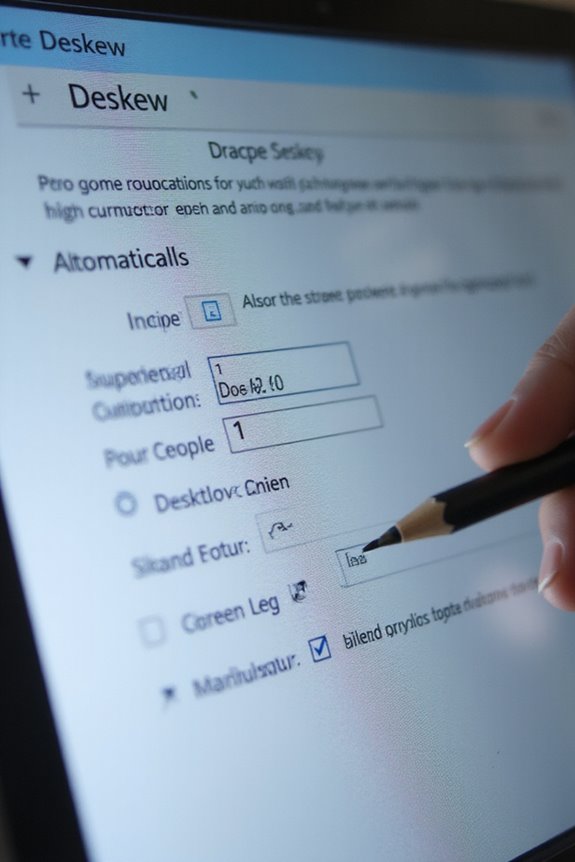
Enabling deskew in scanning software can greatly enhance the quality of our scanned documents, ensuring they’re aligned and easy to read. Most scanning software features an Auto Skew or Deskew option that can be activated from the Advanced or Professional mode menu. By enabling these deskew settings before scanning, the software automatically realigns our documents during the scan process. This feature is especially useful for batch scanning, correcting tilt without the need for manual adjustments later. After scanning, we can verify the results in a PDF viewer or the software’s preview pane. It’s best to activate deskew beforehand, as it considerably improves the overall quality, making our documents clearer and more professional-looking. Additionally, incorporating single-pass duplex scanning allows for efficient capture of both sides of the document simultaneously, further enhancing productivity.
Recommended Products

HIGH-SPEED PERSONAL PHOTO SCANNER¹ — Scan thousands of photos as quickly as 1 photo per second at 300 dpi ²; Further increasing your efficiency, this Epson picture scanner also allows you to batch-scan up to 36 photos at a time

FITS SMALL SPACES AND STAYS OUT OF THE WAY. Innovative space-saving design to free up desk space, even when it's being used

OUR MOST ADVANCED SCANSNAP. Large touchscreen, fast 45ppm double-sided scanning, 100-sheet document feeder, Wi-Fi and USB connectivity, automatic optimizations, and support for cloud services. Upgraded replacement for the discontinued iX1600
Adjusting Deskew Settings for Optimal Results
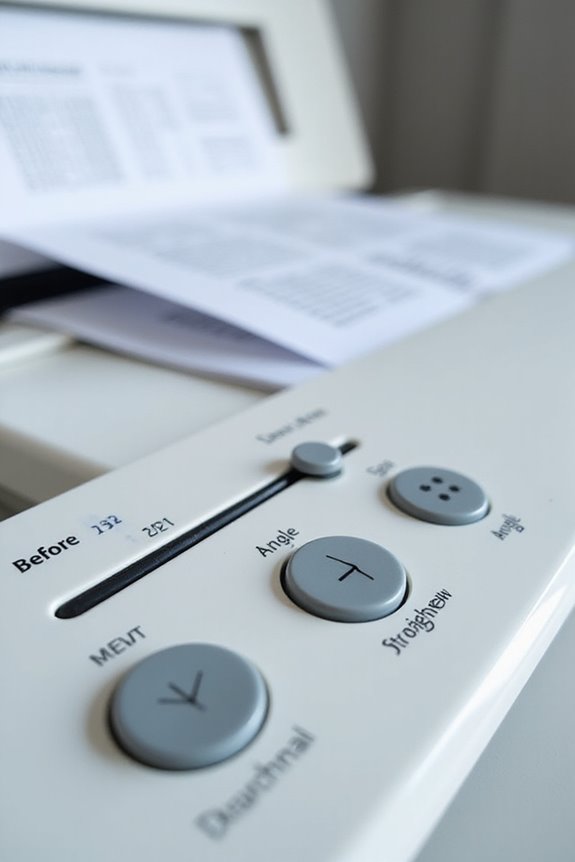
Once we’ve enabled deskew in our scanning software, fine-tuning the deskew settings is the next step for achieving ideal results. To do this, we can start with deskew sensitivity adjustment, which helps us avoid over- or under-correcting angles. Adjusting the threshold parameters is equally important; it sets a minimum angle to trigger deskew, preventing unnecessary adjustments that could affect image quality. For optimal performance, we should consider finetuning edge detection thresholds, which improves results on noisy backgrounds. Additionally, employing both deskew methods—edges and content detection—ensures versatility. If one method fails, the other acts as a reliable fallback, enhancing accuracy based on our specific document types and scan quality. This careful adjustment process considerably boosts our scanning outcomes, especially when considering the image quality standards set by high-resolution scanners.
Recommended Products

PORTABLE SCANNER FOR USE ON-THE-GO — The fastest and lightest mobile single-sheet-fed compact document scanner in its class¹

The easiest way to scan photos and documents. Supports 3x5, 4x6, 5x7, and 8x10 in sizes photo scanning but also letter and A4 size paper. Optical Resolution is up to 600 dpi ( PS: two setting: 300dpi/ 600dpi).
Benefits of Automatic Deskew Correction
Automatic deskew correction transforms the way we handle scanned documents, delivering numerous benefits that enhance efficiency and accuracy. By automating document alignment, we eliminate the need for manual rescanning, saving us valuable time and effort. This image preprocessing step streamlines workflows, allowing for quicker processing of documents and better batch handling. By ensuring that text is correctly oriented, we greatly improve OCR accuracy, as clean inputs enhance character recognition. Well-aligned documents not only look more professional but also reduce interpretation errors, boosting readability. In addition, the integration of deskewed images into processing systems makes data extraction smoother, ultimately cutting down on costly errors and rework. Overall, these advantages help improve our return on investment in scanning technology. Furthermore, scanning speed and duplex capabilities are crucial features that can further enhance productivity in document management.
Technical Aspects of Deskew Implementation
In exploring the technical aspects of deskew implementation, we find that accurate alignment hinges on sophisticated detection methods and algorithms. Deskew algorithms primarily employ edge detection to identify straight lines or rectangular shapes, determining the skew angle reliably. When edges aren’t sufficient, the content detection method analyzes text lines or graphical elements. Hybrid approaches first leverage edge detection and then fallback on content detection for added precision. Classic techniques like the Hough Transform enhance skew angle estimation, pinpointing dominant line orientations. Integrating machine learning models further streamlines this process, boosting classification speed and accuracy. With real-time corrections embedded within scanner software, users benefit from swift deskewing, improving alignment and downstream processes like OCR recognition rates considerably.
Common Use Cases for Automatic Deskew
The implementation of deskew algorithms serves a variety of practical purposes across different fields. We often see deskew applications in document scanning and OCR preprocessing, where correcting skew enhances readability and text extraction accuracy. This is especially critical for scanned images, whether monochrome or color. Additionally, automatic deskew plays an essential role in fax image correction, improving the legibility of often degraded fax transmissions. In bulk batch processing, deskewing streamlines digitization workflows by ensuring consistent image alignment across entire document sets. Finally, mobile scanning apps benefit greatly from deskew algorithms, providing cleaner captures by correcting perspective distortions effectively. These use cases demonstrate how deskew enhances archival quality, searching capabilities, and overall user satisfaction with digital documents.
Recommended Products

Flattening Technology Upgraded: ET24 Pro computer scanner applies CZUR’s latest technology that can flatten the 3D curved surface after pixel transformation to complete flattening of the book page

Large, intuitive 4.3-inch touch screen for easy one-touch scanning
Troubleshooting Deskew Issues
When deskew issues arise, diagnosing the underlying causes can greatly improve image correction efficiency. We often face deskew challenges related to incorrect method selection or poor image quality. For instance, using edge detection on images with dense text can hinder image alignment. Scanning color images without converting to black and white also compromises accuracy. Additionally, excessive skew beyond a 5-degree threshold may lead to failed attempts. We recommend previewing deskew results to evaluate adjustments. Testing different detection methods, possibly combining edge and content detection, can enhance outcomes. By iteratively refining settings, we can tackle failures effectively, ensuring quality results in image clarity and alignment. Keeping these tips in mind will streamline our deskewing process.
Recommended Products

Patented Flattening Curved Book Page Technology: ET18 Pro applies CZUR’s latest technology that can flatten the 3D curved surface after pixel transformation to complete flattening of the book page
Future Trends in Deskew Technology
As we look ahead, advancements in deskew technology promise to revolutionize how we handle image correction. With AI advancements, we’ll see more accurate and faster automatic deskew corrections. These intelligent algorithms will quickly adapt to different document types and skew angles, enhancing precision. Edge computing, paired with 5G, will minimize latency, enabling real-time processing right at the data source. This means faster corrections for large image datasets. However, we must also address quantum challenges; robust security measures will be essential to protect sensitive data. In addition, as we embrace automation benefits, intelligent workflows will streamline operations and enhance sustainability practices through energy-efficient computing and IoT integrations. It’s an exciting future for deskew technology, promoting efficiency and reliability.
Frequently Asked Questions
Can Automatic Deskew Handle Images With Multiple Skew Angles?
We can’t rely on automatic deskew to handle images with multiple skew angles effectively. Image analysis and skew detection struggle in such cases, often leading to errors; manual intervention is typically necessary for better results.
Is Automatic Deskew Effective for Color Images?
Like a painter perfecting a canvas, we find automatic deskew shines in achieving color accuracy and image clarity for color images. It effectively resolves skew issues, ensuring vibrant, visually appealing results that breathe life into our digital creations.
How Does Deskewing Affect Image File Size?
Deskewing can influence image file size considerably; by optimizing the image compression through cropping and content alignment, we often notice reduced dimensions, leading to efficient file optimization while maintaining visual quality and clarity.
Can I Manually Adjust Skew After Automatic Deskew?
Absolutely, we can manually adjust skew after automatic deskewing. It’s often necessary due to deskewing limitations, allowing us to guarantee images are perfectly aligned through manual skew adjustment for better image quality and accuracy.
Does Deskewing Impact the Original Document Quality?
Ironically, we might think deskewing jeopardizes image quality, but it actually supports document preservation. By properly correcting alignment, our texts become clearer without compromising resolution, ensuring both readability and integrity for digital documents.