As an Amazon Associate, we earn from qualifying purchases. Some links on this site are affiliate links at no extra cost to you. Our recommendations are based on thorough research and editorial judgment.


How To Scan Banking Checks?

When scanning banking checks, we should first guarantee they’re free from contaminants like staples. Next, using quality scanners with advanced technology like Contact Image Sensors enhances image clarity. It’s vital to align checks properly in the feeder for maximum processing. We can utilize Optical Character Recognition for accurate data extraction. Regular maintenance, such as cleaning scanner components, boosts performance and reduces errors. By following these guidelines, we streamline the check scanning process and maximize efficiency, with more insights ahead.
Key Takeaways
- Ensure checks are free from staples, folds, and contaminants for optimal scanning results.
- Use advanced scanners with OCR and MICR technology for high accuracy in capturing details.
- Insert checks properly either manually or via automatic document feeders to minimize errors.
- Regularly maintain and clean the scanner to improve image quality and reliability.
- Follow manufacturer guidelines for scanning settings and updates to enhance performance.
Understanding the Check Scanning Process
You may be interested

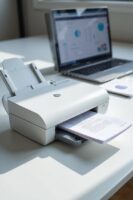
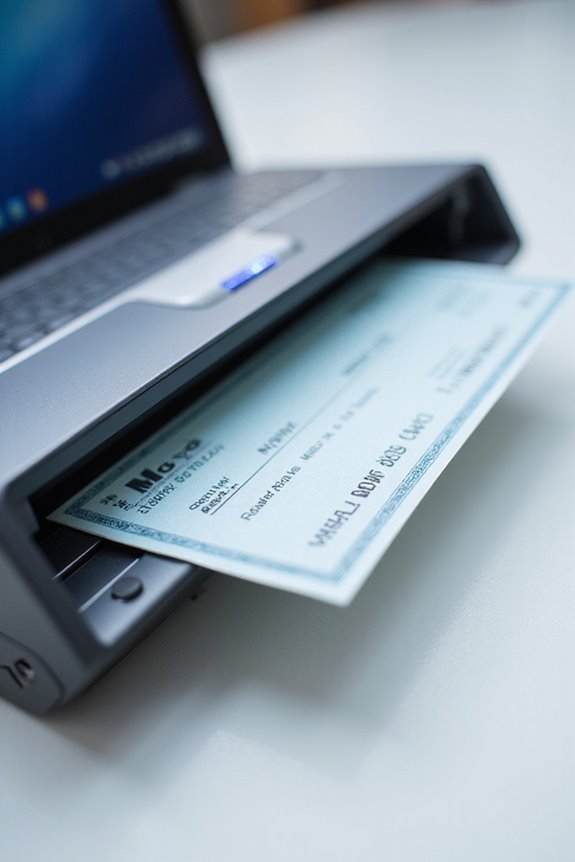
When we think about the check scanning process, it involves several key steps that guarantee efficiency and accuracy. First, check preparation is critical. We need to make sure checks are free of contaminants like staples or folds, as these can cause jams. Proper insertion—whether manually or through automatic document feeders—also plays an essential role in reducing scanning errors. Once checks are prepared, digital scanners utilize advanced technology, like Contact Image Sensors, to create high-resolution images of both sides. Following this, image enhancement techniques improve clarity and contrast, making text easier to read. This careful attention to the check scanning process boosts efficiency while minimizing the risk of errors. Additionally, understanding the maintenance needs of scanners, such as regular cleaning, is vital for sustained performance and reliability. We can achieve seamless transactions and trustworthy digital records through these fundamental steps.
Key Information Captured From Checks
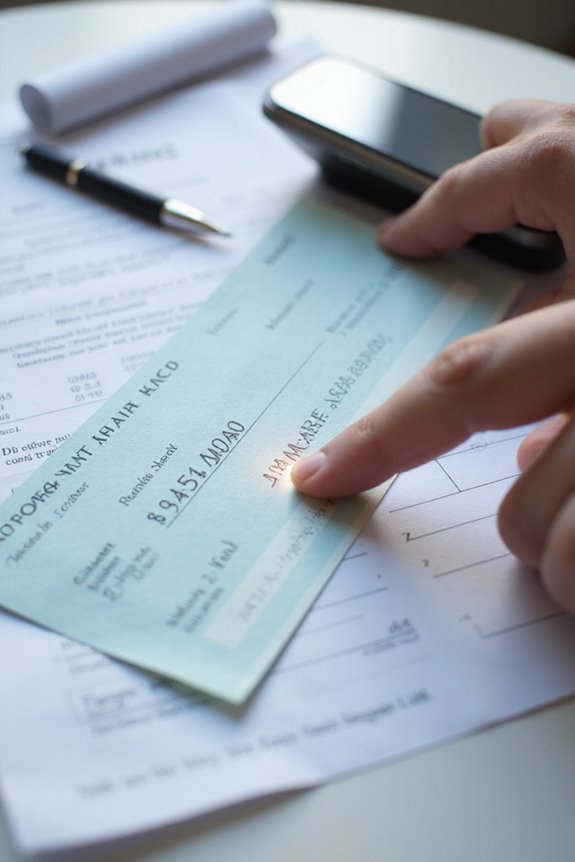
After understanding the check scanning process, it’s important to recognize the key information captured from checks. We capture issuer details, like their name and address, ensuring check validation and accurate record-keeping. The payee’s name specifies who can cash the check. Each check has a unique number for tracking and a date of issue that confirms its validity.
Monetary details include both the numeric and written amounts, which must match for smooth processing. The MICR line contains the routing and account numbers, essential for directing transactions accurately. With features like signature verification and physical security elements, we bolster fraud prevention. This thorough capture of data helps safeguard transactions, ensuring accuracy and authenticity throughout the banking process. Additionally, implementing robust encryption features enhances the security of sensitive financial information during the scanning process.
Technical Components of Check Scanning
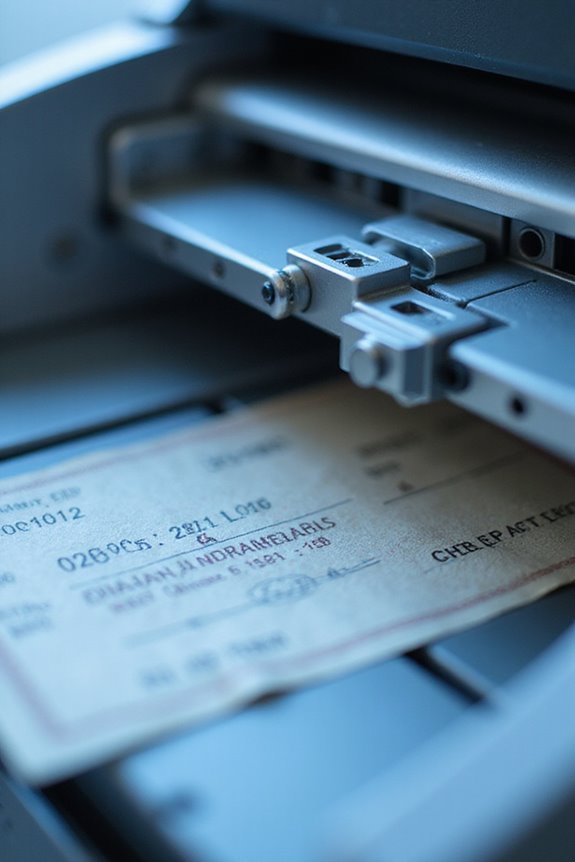
The technical components of check scanning play a vital role in guaranteeing accurate and efficient processing of checks. We rely on advanced scanning technology to capture high-resolution images using Contact Image Sensors (CIS) or Charge Coupled Devices (CCD). These assure precise image quality, essential for effective data extraction. Optical Character Recognition (OCR) enhances images, making it easier to read important information. Additionally, Intelligent Character Recognition (ICR) is imperative for capturing handwritten data. With methods like MICR line analysis assisting in extracting routing and account numbers, we achieve high accuracy. Automated data validation algorithms further confirm the extracted information, protecting against fraud while adhering to financial standards. Together, these components streamline the check scanning process considerably. Moreover, incorporating automatic document handling in scanners can significantly improve the efficiency of scanning multiple checks in one go.
Choosing Mobile vs. Desktop Scanning Solutions
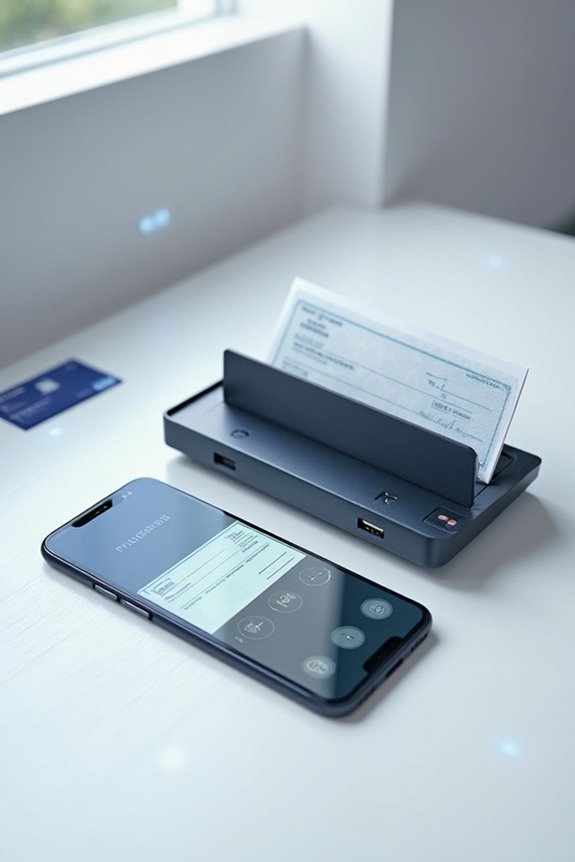
Choosing between mobile and desktop scanning solutions can greatly impact how we manage check processing in our daily operations. Mobile scanning offers convenience, allowing us to capture documents anytime, using just our smartphones or tablets. These apps often come at low or no cost, making them economical for low-volume users. However, desktop scanning provides higher resolution scans and faster processing for larger volumes, thanks to features like automatic feeders. While desktop solutions enhance workflows with banking-specific functionalities, mobile apps might lack those advanced features. Ultimately, our choice should align with our operational needs, balancing the ease of mobile scanning against the efficiency and reliability of desktop scanning for banking checks. Additionally, many desktop scanners, such as the Doxie Pro DX400, integrate with cloud storage options for streamlined document management.
Step-by-Step Guide for Scanning Checks
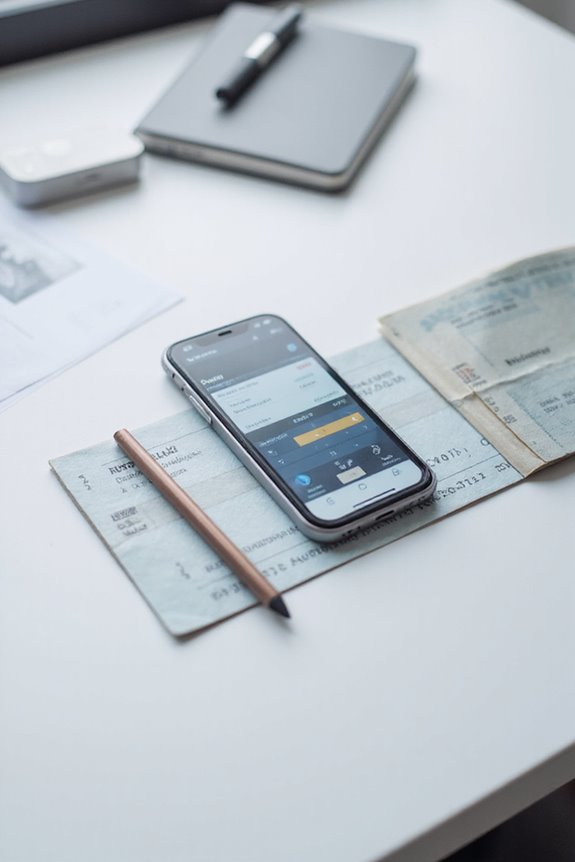
To effectively scan checks, we can follow a straightforward, step-by-step guide that streamlines the process from preparation to submission. First, let’s verify check orientation is correct, with the front side facing up and free of any contaminants like staples or clips. Next, we should organize multiple checks in batches if using a document feeder, as this enhances efficiency. When we start scanning, we’ll use our scanner’s technology to capture both sides of the check. After initiating the scanning process, we can monitor the real-time display for immediate error detection. Additionally, investing in a scanner with scanning speeds up to 60 pages per minute will significantly improve our workflow. With these scanning techniques in place, we’ll increase accuracy and make our tasks much more manageable moving forward.
Ensuring Accuracy in Check Scanning
Achieving accuracy in check scanning involves implementing a variety of techniques that guarantee reliability and efficiency. We should start by using Optical Character Recognition (OCR) to convert printed text into machine-readable data. Incorporating Magnetic Ink Character Recognition (MICR) makes sure we capture account and routing numbers accurately. Data verification can further be enhanced by employing software cross-checks to compare extracted information against original images. Additionally, flagging unusual data enhances our fraud detection capabilities, preventing costly errors. High-resolution imaging is vital; we need to make sure both sides of checks are clearly visible. Regularly updating our scanning software keeps us ahead in recognizing evolving counterfeiting methods. Together, these steps bolster the integrity of our check processing while minimizing risks. Furthermore, utilizing fast scanning speeds can significantly improve the efficiency of your check processing workflow.
Security Measures in Check Scanning
While security measures in check scanning might seem complex, they are essential for protecting financial transactions. Check security begins with features like watermarks and microprinting, which deter unauthorized copying. Holograms add layers of authentication, while chemical-resistant paper helps prevent alterations from solvents used in check washing. Additionally, Positive Pay enhances fraud prevention by cross-checking issued checks against presented ones, ensuring any discrepancies are flagged.
When using check scanners, built-in network security features restrict unauthorized access, safeguarding MICR print functions. By encrypting scanned data during transmission, we preserve confidentiality and integrity. These combined measures greatly reduce the risk of fraud, reassuring us that our financial information remains secure and verified.
Troubleshooting Common Scanning Issues
When we encounter issues while scanning checks, it can be frustrating, but troubleshooting effectively can save us time and improve efficiency. First, let’s verify our scanner connectivity is secure; confirm it’s recognized in Device Manager as “TellerScan” or “TSDevice.” If we face issues, checking USB connections or restarting our devices often helps. For image clarity, we should inspect scanner glass for dirt and check that items aren’t jammed. Align checks in the feeder properly and avoid stacking them. If images remain unclear, adjusting resolution settings can greatly enhance quality. Finally, keeping our software updated guarantees compatibility and peak performance. Regular maintenance is key to preventing mechanical issues during scanning, so let’s be diligent!
Frequently Asked Questions
Can I Scan Checks for Multiple Accounts Simultaneously?
Did you know up to 80% of businesses prefer remote deposit? Yes, we can scan checks for multiple accounts simultaneously, simplifying our banking process and enhancing efficiency through advanced check scanning technology. Let’s embrace this convenience!
What Types of Checks Are Not Eligible for Scanning?
Ineligible checks according to scanning guidelines include third-party, foreign checks, and those marked as non-negotiable. We can’t deposit checks that are fraudulent, altered, or more than six months old.
Are There Size Restrictions for Checks Being Scanned?
When we consider check dimensions, we must mind the meticulous scanning guidelines. Personal checks should measure around 6 by 2.75 inches, while larger business checks fit at 8.5 by 3.5 inches.
Can I Edit Scanned Check Details Before Submission?
We can’t recommend check editing before submission. Altering details risks invalidation. It’s best to maintain integrity throughout the submission process to avoid legal issues and guarantee everything’s compliant with bank regulations.
How Long Does It Take for Deposits to Reflect in My Account?
Did you know that about 87% of check deposits clear within one to two business days? While deposit processing and account verification vary, we can typically access the first $200 by the next business day.