To effectively use scanner digitization transformation technology, we should start by preparing our documents, guaranteeing they’re clean and organized. Next, we’ll choose the right hardware, like sheet-fed scanners for bulk jobs or flatbed scanners for unique items. Implementing Optical Character Recognition (OCR) will enhance searchability, while quality control post-scanning guarantees clarity. Finally, we’ll store our digitized documents securely. Ready to maximize your digitization efforts with advanced technologies? Keep going to find out more!
Key Takeaways
- Begin by preparing physical documents, ensuring they are clean and flat to enhance scan quality.
- Choose the appropriate scanner hardware based on document type and desired features, such as resolution and duplex scanning.
- Utilize Optical Character Recognition (OCR) to convert scanned text into searchable and editable digital formats.
- Regularly verify scanned documents for completeness and clarity, ensuring no pages are missing or illegible.
- Implement organized digital storage solutions, utilizing cloud services for data protection and easy retrieval.
Understanding Scanner Digitization Transformation Technology
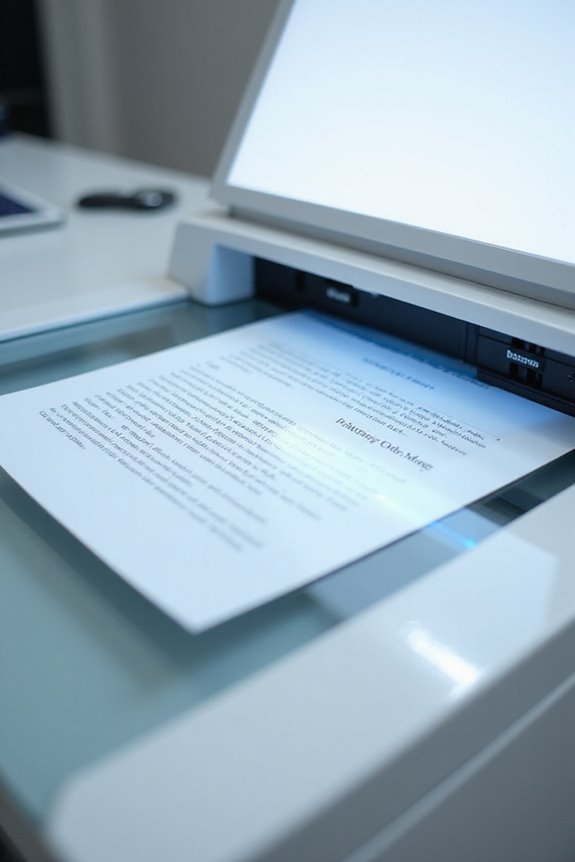
When we explore scanner digitization transformation technology, it’s essential to understand how these devices convert physical documents into digital formats. Scanner technology captures documents, images, or objects, transforming them into machine-readable data. This process includes discretization and quantization, ensuring data fidelity in binary code. Typically, scanners vary in resolution, speed, and color depth, affecting the quality of digital outputs. For example, a standard document scanner may offer 600 DPI resolution, while specialized film scanners can achieve up to 4800 DPI, enhancing detail fidelity. The output formats can range from PDFs to JPEGs, making documents accessible and editable. This technology not only preserves valuable information but also streamlines workflows, enabling faster data sharing across various platforms. As scanner technology trends continue to evolve, users can expect improved functionalities and efficiency in their digitization processes.
Preparing Physical Documents for Scanning

To prepare physical documents for scanning effectively, we must focus on organization, condition, and security. First, let’s engage in document cleaning by removing staples, paperclips, and any debris that could disrupt the scanning process. Then, we can start sorting documents into categories like invoices or contracts to simplify indexing later. It’s crucial to arrange these documents chronologically or by priority based on our project goals. Also, we should guarantee that all pages lie flat and are free of wrinkles, which helps enhance scan quality. Finally, let’s label our batches clearly and use unique identifiers for tracking. By following these steps, we guarantee a smooth scanning workflow and maintain the integrity of our documents throughout the digitization process. Additionally, using a scanner with duplex scanning capability can significantly speed up the process of digitizing double-sided documents.
Choosing the Right Scanning Hardware
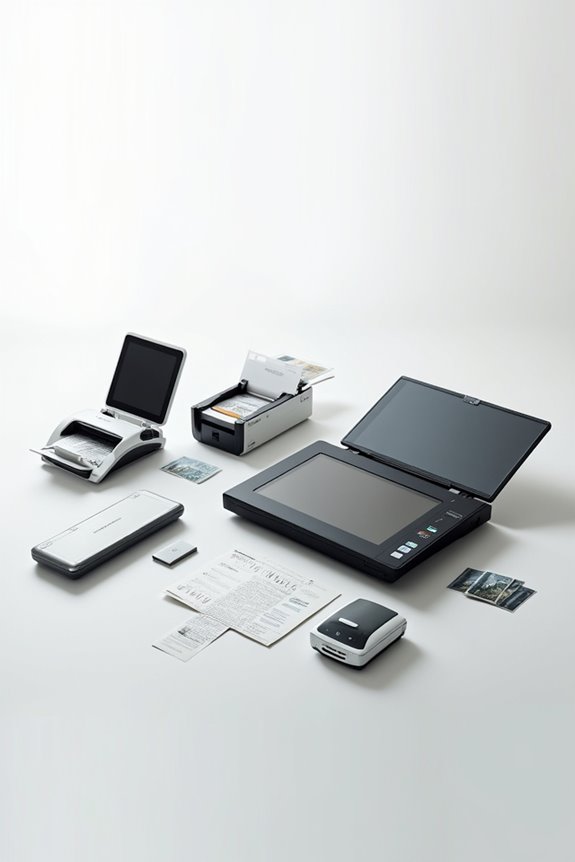
How do we choose the right scanning hardware to meet our needs? First, we need to evaluate the types of documents we’ll be scanning. For bulk digitization, sheet-fed scanners with automatic document feeders (ADF) that handle 20 to 100 pages work best. If we have books or odd-sized items, flatbed scanners are ideal. Hybrid models offer versatility for various document types. We should also look at scanner features like resolution, which typically reaches up to 600 DPI, and duplex scanning for efficient double-sided captures. Speed matters too; many mid-level scanners process 25 to 40 pages per minute. Finally, connectivity options, such as USB and wireless, enhance workflow and integration into our existing systems. Additionally, considering scanning speed is essential for efficiency, as faster models can significantly improve productivity during high-volume tasks.
Utilizing Optical Character Recognition (OCR)
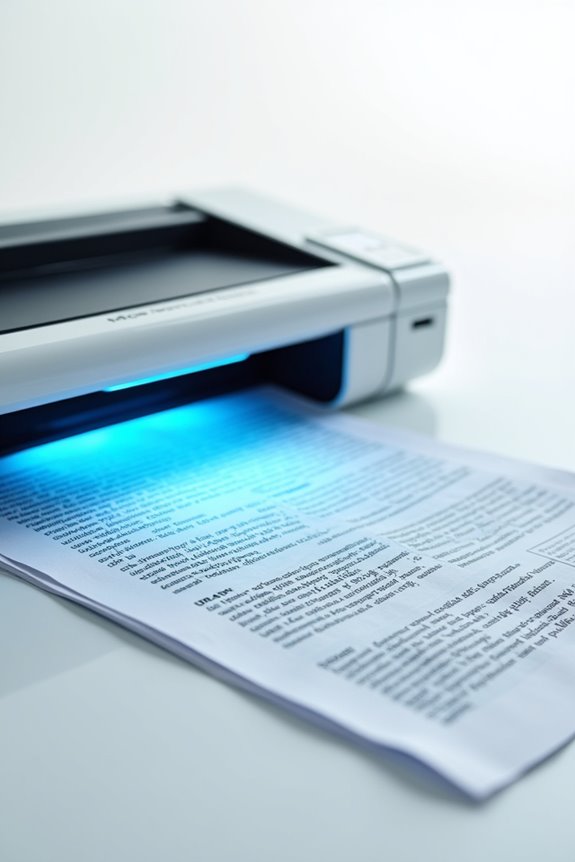
Utilizing Optical Character Recognition (OCR) offers us a powerful way to transform printed or handwritten text into accessible digital formats. With various OCR applications, we can quickly extract data from historical documents, invoices, and receipts. This technology automates labor-intensive processes, boosting our efficiency and accuracy in data entry. Modern advancements in OCR allow systems to recognize multiple fonts and handwriting styles, greatly improving OCR accuracy. The workflow begins with image preprocessing to enhance clarity, followed by feature extraction to identify characters. Post-processing guarantees that the output is machine-readable and aligns closely with the original document’s formatting. By integrating OCR in our digitization processes, we make information easily searchable and editable, streamlining our document management greatly. Additionally, high optical resolutions improve the accuracy of text extraction, ensuring that even the smallest details are captured effectively.
Implementing AI in Document Digitization
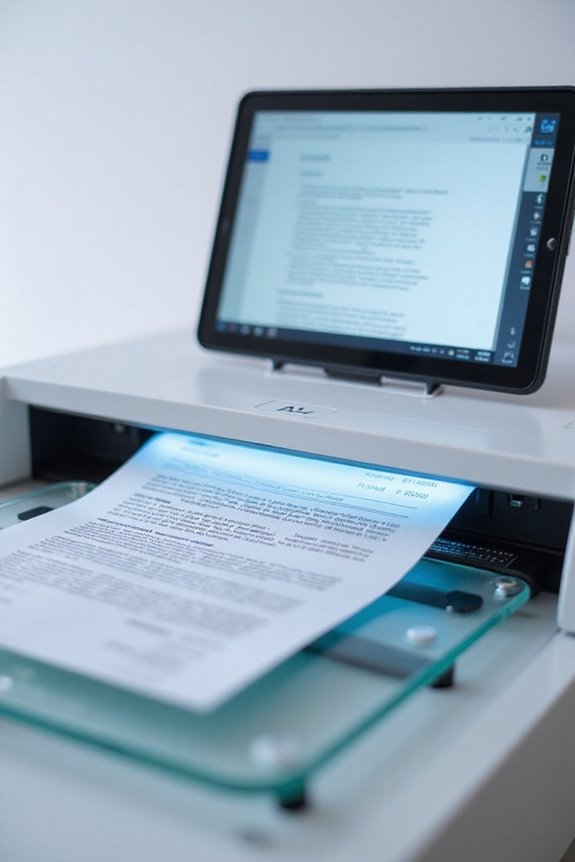
As we embrace the digital age, implementing AI in document digitization becomes essential for modern organizations. By leveraging AI algorithms and machine learning, we can enhance extraction accuracy and optimize document workflows. AI-driven scanners capture high-quality images and apply pre-processing techniques that boost clarity, ensuring our OCR performs at its best. With pattern recognition, AI classifies documents automatically, continuously improving through feedback. Advanced data validation algorithms check extracted data against business rules, increasing reliability considerably, often surpassing 95% extraction accuracy. Furthermore, selecting the right scanner software with OCR capabilities can significantly enhance the overall effectiveness of the digitization process. Finally, integration strategies connect AI-produced data into our existing systems, providing real-time access for better decision-making. Adopting these innovations isn’t just a trend; it’s a necessity for achieving operational excellence and fostering continuous improvement.
Organizing Digitized Files With Metadata
With the rise of AI in document digitization, effectively organizing these digital files is next on our list. By implementing metadata standards, we can improve file organization markedly. We should categorize metadata into three primary types: descriptive, administrative, and structural. Descriptive metadata, like titles and authors, enhances searchability, while administrative data assists in managing and securing files. Structural metadata guarantees the correct display of digital content. Establishing a clear taxonomy and using controlled vocabularies helps maintain consistency throughout our archives. Implementing uniform naming conventions will streamline retrieval. As we collect essential metadata during digitization, it’s critical to periodically review and optimize this data to meet our evolving needs, guaranteeing we maintain efficiency in our digital asset management systems. Additionally, ensuring compatibility with cloud storage options can further enhance the accessibility and organization of our digitized files.
Ensuring Quality Control Post-Scanning
Assuring quality control post-scanning is essential for achieving high-fidelity digital representations of original documents. We should conduct a thorough post-scan verification to check for readability and completeness. This includes confirming that each scanned document is clear, with no missing pages or cropping errors. Regular quality assessment enables us to inspect images for defects and assure they meet project-specific standards. It’s wise to implement ongoing quality control testing, watching for any equipment malfunctions. By cross-referencing original documents with digital files, we can maintain accuracy in our metadata. Once these checks are finished, obtaining final approvals before archiving guarantees that our digitized materials are of the highest quality, ready for distribution, and easily accessible for future use.
Storing and Managing Digitized Documents Securely
Storing and managing digitized documents securely is essential in today’s data-driven environment. By utilizing secure document storage solutions, we protect our sensitive information from loss or unauthorized access. We should implement cloud-based services that offer encryption and reliable backups, ensuring our data remains intact. Assigning access permissions based on document sensitivity helps limit exposure while facilitating compliance with regulations. Furthermore, adopting role-based access controls automates the permission assignment process, allowing us to monitor and audit user access more effectively. Additionally, maintaining a systematic organization of our digital archives can greatly enhance retrieval efficiency, making our workflows smoother. Regular backups—both onsite and offsite—further safeguard our data against potential disasters. In this way, we can secure our digitized documents confidently.
Addressing Challenges in Digitization Projects
Digitization projects offer immense potential for enhancing organizational efficiency, yet many face significant challenges. Over 80% of these initiatives fail, largely due to organizational resistance and a lack of cultural alignment on data practices. Companies often underestimate the human and cultural aspects essential for successful digital transformation. When selecting materials for digitization, adopting a strategic approach guarantees valuable resources are prioritized, maximizing future utility. Additionally, setting clear objectives prevents unnecessary efforts that don’t align with organizational goals. We can avoid costly mistakes by addressing these cultural hurdles early on, engaging teams to foster support and collaboration. By doing so, we create an environment conducive to successful digitization efforts, ultimately driving our organizations forward in the digital age.
Leveraging Advanced Technologies and Tools
As we navigate the evolving landscape of digitization, leveraging advanced technologies and tools becomes essential for organizations aiming to enhance their operational capabilities. By integrating AI-powered optical character recognition (OCR) into our scanning processes, we can boost data extraction accuracy while minimizing manual data entry. This automation accelerates workflows, considerably reducing error rates. Additionally, utilizing cloud-native platforms allows for scalable storage and seamless data interoperability across systems, promoting efficiency. With photogrammetry-enabled scanners, we achieve high-precision 3D captures, essential for complex workflows in various industries. As these technologies evolve, their combination drives remarkable improvements in document processing times and decision-making, supporting our ambitious goals for operational excellence. Embracing these advancements sets the foundation for a more productive future.
Frequently Asked Questions
What Are the Initial Costs of Implementing Digitization Technology?
When considering initial costs of digitization technology, we should evaluate the initial investment, including hardware, software, and labor. However, investing now can lead to long-term savings, improving efficiency and reducing physical storage expenses considerably.
How Can I Train My Staff for Digitization Processes?
We understand training staff for digitization can seem challenging, but we can offer engaging workshops and flexible online courses. By enhancing their skills, we’ll guarantee our team adapts seamlessly to digital transformation demands together.
What Are Common Mistakes to Avoid in Digitization Projects?
In our experience, common mistakes in digitization projects often stem from poor project planning and inadequate resource allocation. We shouldn’t overlook stakeholder engagement or rush execution, as these missteps can derail the entire effort.
How Often Should We Review and Update Our Digitization Strategy?
Regularly reviewing our strategy’s alignment guarantees adaptability and advancement. We should prioritize frequent feedback loops to refine our approach and stay ahead. Continuous assessment allows us to navigate the ever-evolving digitization landscape effectively and efficiently.
What Certifications or Standards Should Digitization Solutions Meet?
When considering digitization solutions, we should guarantee they meet certification requirements and industry standards like ISO 9001 and ISO/IEC 27001. These standards enhance quality, security, and compliance, ultimately benefiting our digital transformation efforts.