As an Amazon Associate, we earn from qualifying purchases. Some links on this site are affiliate links at no extra cost to you. Our recommendations are based on thorough research and editorial judgment.

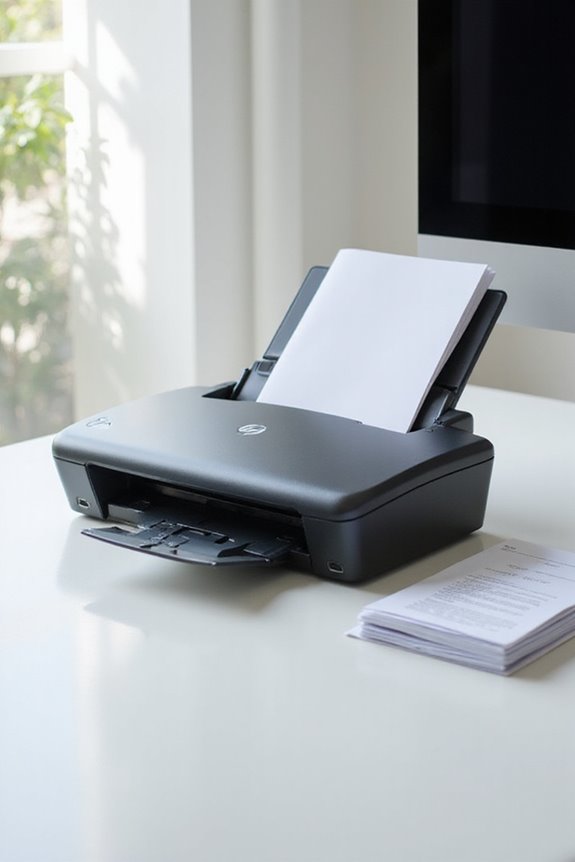
How To Scan Both Sides Of A Document Automatically?

To scan both sides of a document automatically, we can use a duplex scanner. These devices feature dual sensors that capture both sides simultaneously, markedly cutting scanning time in half. Simply connect the scanner, load your double-sided documents into the automatic document feeder, and select the “2-sided” option in the software. Most duplex scanners can handle speeds between 35 to 90 images per minute, ensuring efficiency. You’ll find even more tips to maximize your scanning experience.
Key Takeaways
- Ensure your duplex scanner is powered on and connected to your computer or network for seamless functionality.
- Open the scanner’s software and select the “2-sided” scanning option in the settings.
- Place the double-sided documents face-up in the automatic document feeder (ADF) to avoid paper jams.
- Confirm your binding edge preference, which dictates how the document will be aligned during scanning.
- Press the “Scan” button to initiate the process, capturing both sides in a single pass efficiently.
Understanding Duplex Scanning Technology
You may be interested


Understanding duplex scanning technology is vital for anyone looking to enhance their document management process. This technology scans both sides of a document simultaneously in a single pass, thanks to dual sensors aligned on opposite sides. By minimizing manual handling, it boosts scanning efficiency and cuts down time nearly in half compared to simplex scanning. With advanced automatic document feeders, it processes double-sided pages seamlessly, allowing for rapid scanning of large volumes. Importantly, choosing scanners based on their specifications is significant; these features guarantee high-resolution captures and reduce error rates. Overall, incorporating duplex scanners into our workflow not only improves productivity but also maintains the quality and accuracy we need for effective document management. Additionally, models like the Epson WorkForce ES-400 II offer high-speed scanning capabilities that further streamline the process.
Key Features of Duplex Scanners
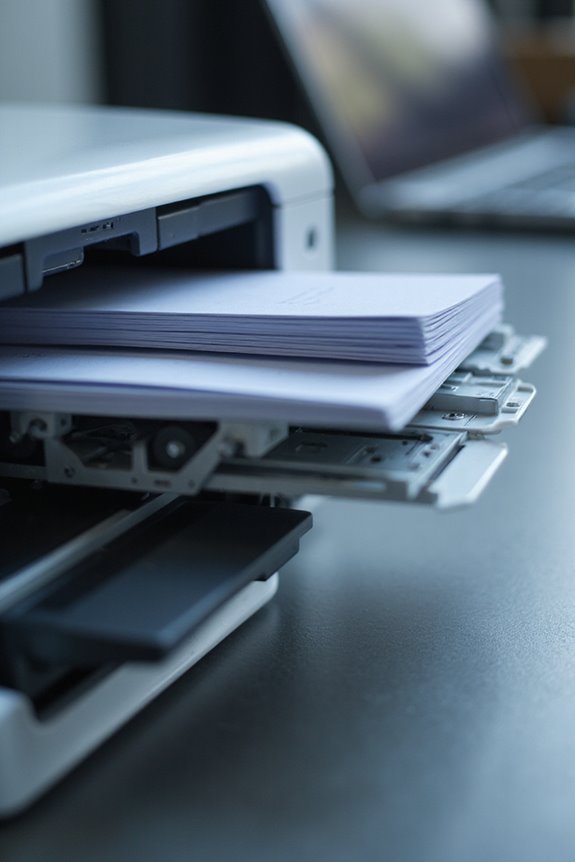
After exploring the fundamentals of duplex scanning technology, it’s time to look at some key features of duplex scanners that make them a valuable tool in our document management arsenal. One standout feature is the dual camera benefits; two cameras capture both sides of a document simultaneously, greatly boosting scanning speed and efficiency. We also benefit from ADF efficiency, as the Automatic Document Feeder handles multiple sheets, allowing us to scan batches of around 35 sheets at a time without needing to refeed. Most duplex scanners support high resolutions up to 600 dpi, ensuring clarity. With these features, we can maximize productivity, streamline workflows, and easily accommodate a range of document types in both home and business settings. Additionally, the duplex scanning capability allows for capturing both sides in one pass, further enhancing efficiency.
Benefits of Automatic Double-Sided Scanning
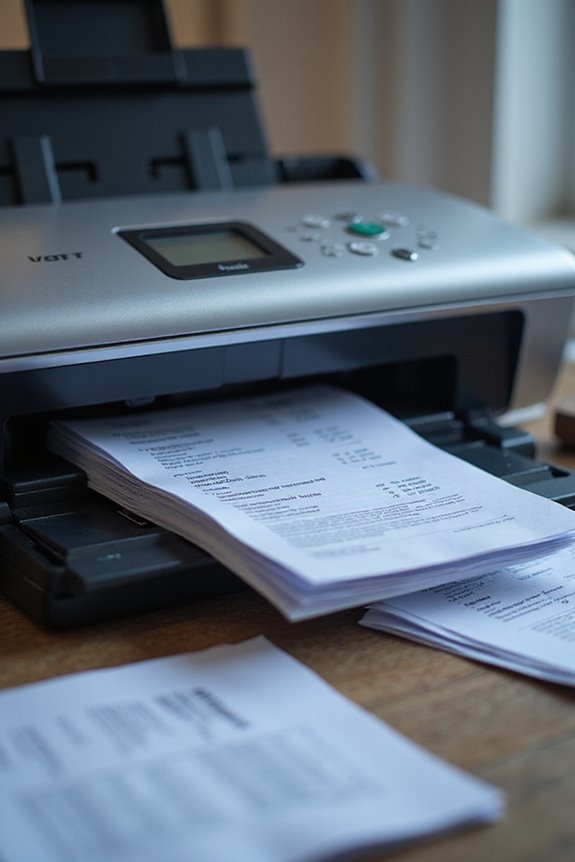
When we adopt automatic double-sided scanning, we release a multitude of benefits that can transform our document handling processes. The time savings are significant, as capturing both sides of documents in a single pass effectively halves our scanning time. This means faster workflows, especially when dealing with large volumes of paperwork. We also see error reduction, since automatic scanning minimizes manual intervention, reducing the risk of feed errors and ensuring documents remain in the correct order. With fewer handling steps, the chance of missing a side of a double-sided document decreases. Overall, these efficiencies not only enhance our productivity but also improve the quality and organization of our scanned files, making document management much simpler. Additionally, many modern scanners offer high-speed scanning capabilities, allowing for up to 50 pages per minute, further optimizing the scanning process.
Selecting the Right Duplex Scanner for Your Needs
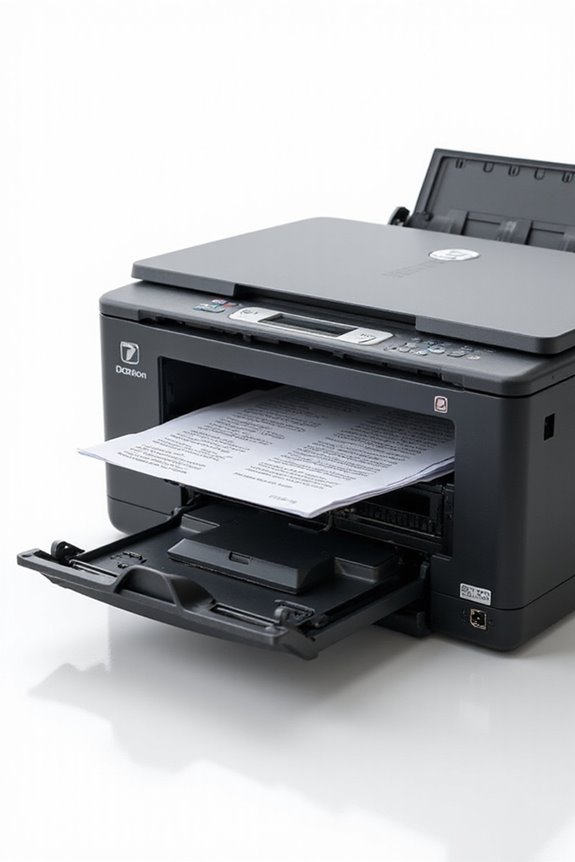
The benefits of automatic double-sided scanning naturally lead us to contemplate the right duplex scanner for our specific needs. When choosing, consider the scanner types, like automatic document feeders (ADFs) or sheet-fed models, based on our document volume. We should also examine scan speeds, typically between 35 to 90 images per minute. Checking user reviews can provide insights on reliability and performance of various scanner brands. Features like ADF capacity, daily duty cycles, and compatibility with document management systems will enhance our efficiency. Additionally, we need to guarantee the scanner supports varied document sizes, from IDs to thicker pages, maximizing our scanning versatility and addressing all our needs seamlessly. Moreover, choosing a model with advanced security features can enhance productivity and protect sensitive information during the scanning process.
Step-by-Step Guide to Automatic Double-Sided Scanning
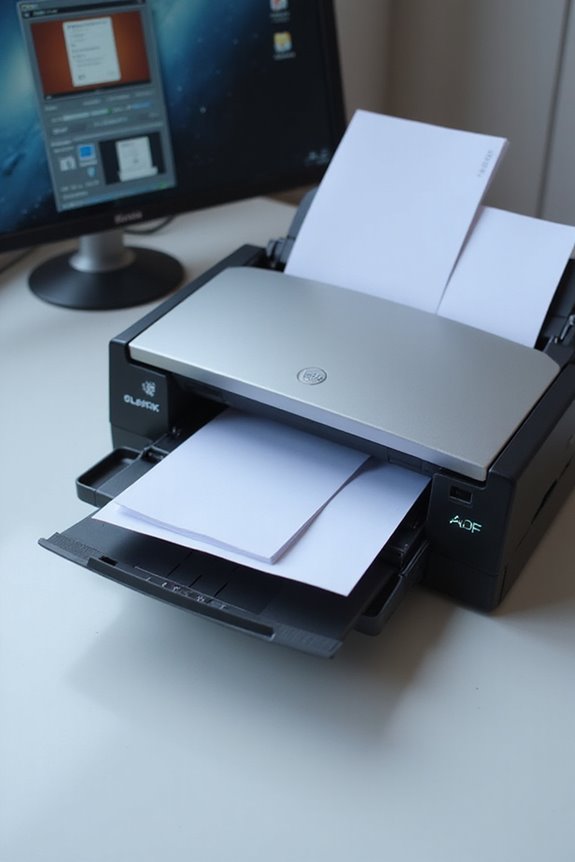
Scanning double-sided documents automatically can streamline our workflow and enhance productivity. First, let’s verify our scanner is powered on and connected. We should open the scanning software provided by the manufacturer. Using the automatic document feeder (ADF) designed for duplex scanning is essential—it minimizes paper jams. Next, we must activate the “2-sided” option in the software settings and confirm our binding edge preference. After placing the double-sided documents face-up in the ADF, we can initiate the scan via the “Scan” button. Remember to monitor for any paper jams during the process. Once complete, we can review the scanned files for quality and save them in our preferred format, ready for use! Additionally, it’s beneficial to consider the scanner’s high scanning speeds, as this will significantly impact your efficiency during high-volume tasks.
Frequently Asked Questions
Can Duplex Scanners Scan Documents of Different Thickness Simultaneously?
Yes, duplex scanners can face challenges with document thickness compatibility. We’ve found that while some models manage mixed thicknesses, it’s often best to scan uniform batches to avoid misfeeds and enhance efficiency during scanning.
Are Duplex Scanners Compatible With Mobile Devices?
Isn’t it exciting how mobile scanning’s evolving? We’ll find that while many duplex scanners offer some level of mobile compatibility, features vary widely; therefore, we’ve gotta make certain our chosen model aligns with our specific needs.
How Do I Clean and Maintain a Duplex Scanner?
To maintain our duplex scanner, we should follow essential cleaning tips, like weekly cleanings if used heavily, using gentle cloths, and keeping rollers free from debris. Regularly checking components prevents issues and guarantees peak performance.
What File Formats Can I Save Scanned Documents In?
When we save scanned documents, we can choose from various file formats like PDF for versatility, TIFF for high-quality archiving, or JPEG for smaller sizes. Each offers unique benefits depending on our needs.
Can Duplex Scanners Handle Mixed Media, Like Photos and Text?
When it comes to duplex scanner capabilities, we can confidently say they excel in mixed media scanning. They effortlessly handle photos, text, and various materials, ensuring we achieve high-quality results with every scan we undertake.